
How to Reduce Repetitive Guest Questions in a Vacation Rental
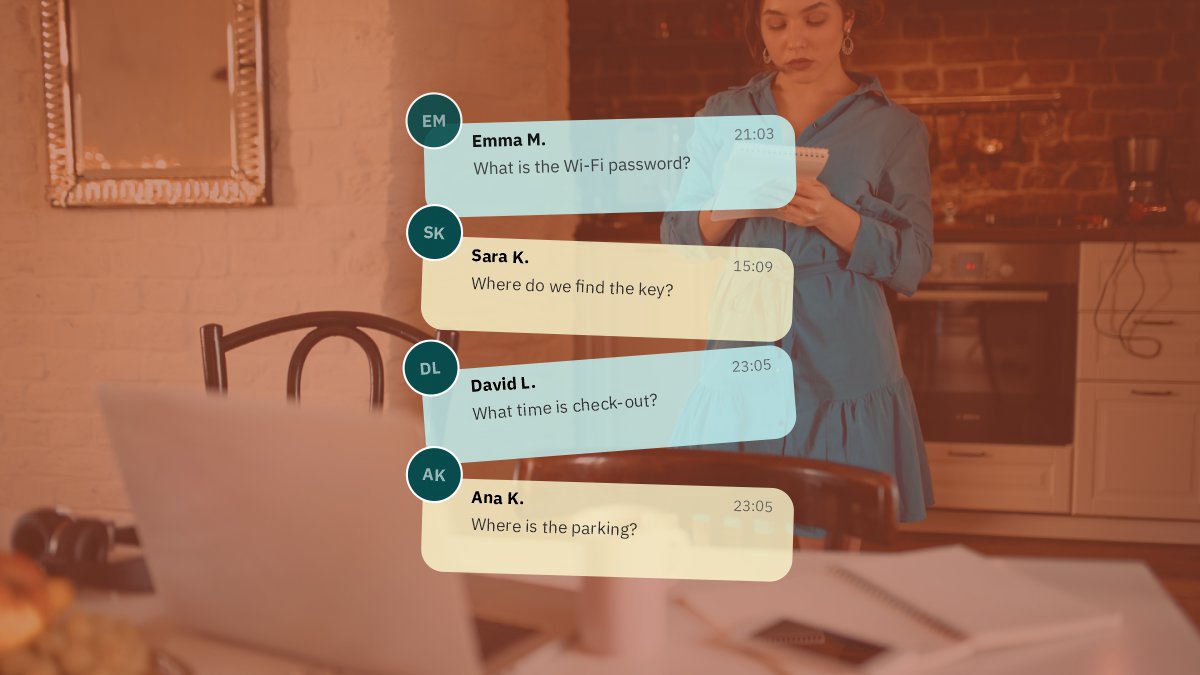
If you manage a vacation rental, you have probably answered the same questions more than once.
“What is the Wi-Fi password?”
“How do I get inside?”
“What time is check-out?”
“Where can I park?”
“Is there a supermarket nearby?”
These questions are normal. Guests need information, and every property has its own rules and systems.
The problem starts when the same basic questions arrive every day, especially late at night or while you are managing other bookings.
A well-organized digital guestbook can help reduce this repetitive communication.
Why Do Guests Ask the Same Questions?
Usually, guests are not asking because they ignored your instructions.
They are asking because the information is:
- Buried in a long message
- Difficult to find
- Spread across multiple platforms
- Only available on paper inside the property
- Written in a language they are not comfortable with
- Not available at the exact moment they need it
The solution is not necessarily to send more messages.
It is to make important information easier to access.
Create One Central Information Page
Instead of sending separate messages for Wi-Fi, parking, check-out, house rules, and local recommendations, put the information in one central guest guide.
A tool like Guestbooklet is designed around this approach.
Hosts can create a digital guide for a property and share it with guests through a link or QR code.
The guest can then open the guide from a phone without installing an app.
Start With the Questions You Receive Most
You do not need to create a huge guide on day one.
Look at your previous guest messages and identify recurring questions.
For many vacation rentals, the list will include:
- What is the Wi-Fi password?
- How do I check in?
- Where can I park?
- What time is check-out?
- Where are the keys?
- How does the heating or air conditioning work?
- Where should I put the trash?
- Are there restaurants nearby?
These questions can become the foundation of your digital guestbook.
Use a QR Code Inside the Property
A QR code can make the guide accessible exactly when guests need it.
You can place the QR code somewhere visible, such as:
- Near the entrance
- On the kitchen counter
- Next to the Wi-Fi information
- In a welcome card
- On the bedside table
The guest scans the code and opens the guide on their phone.
With a dynamic QR code, you can also update the destination or information without needing to replace the physical QR sign.
Make Information Easy to Scan
Guests generally do not want to read an instruction manual.
Use short sections, headings, bullet points, numbered steps, and clear instructions.
Instead of:
“Upon arriving at the property, please proceed through the main entrance and locate the lockbox positioned on the right-hand side…”
Try:
Check-in
- Enter through the main entrance.
- Find the lockbox on the right.
- Enter your code.
- Take the key.
- Lock the door after entering.
The second version is easier to understand at 11 PM after a long journey.
Make Your Guide Multilingual
Vacation rentals often welcome guests from different countries.
Language can become a problem when instructions involve something important, such as a door lock, heating system, appliance, or house rule.
A multilingual digital guestbook can help solve this.
Guestbooklet, for example, includes AI-powered translation so hosts can create information in their own language while making it available to guests in additional languages.
This can be especially useful for international short-term rentals.
Include Local Information
Reducing guest questions is not only about house instructions.
Guests often ask hosts for recommendations:
“Where should we eat?”
“What is the closest supermarket?”
“Which beach should we visit?”
“Is there a pharmacy nearby?”
A local guide section can answer many of these questions before they are asked.
You can include your favorite restaurants, cafés, beaches, attractions, supermarkets, and other useful places.
Interactive maps make this even easier because guests can open directions directly from their phones.
Keep Information Up to Date
A digital guestbook only works if the information is accurate.
Review it whenever something changes.
For example, update the guide if you:
- Change the Wi-Fi password
- Replace a lock
- Change check-out procedures
- Add a new appliance
- Discover a better local restaurant
- Change parking instructions
- Update emergency information
This is one of the main advantages of a digital guide over a traditional printed welcome book.
Use the Guide Before Guests Arrive
Your guest guide does not have to be limited to the time guests are inside the property.
You can share relevant information before arrival.
For example, guests can review:
- Check-in instructions
- Parking details
- Location
- Access information
- House rules
Then, once they arrive, the same guide can provide Wi-Fi information, appliance instructions, local recommendations, and check-out details.
A Simple Guest Communication System
A practical setup for a vacation rental can look like this:
Before arrival: send the guest the guide link with their arrival information.
At the property: place a QR code where guests can easily see it.
During the stay: guests use the guide for Wi-Fi, house rules, appliances, local recommendations, and other common questions.
Before departure: guests use the check-out section to follow the required steps.
This does not eliminate every guest message. Some questions will always require personal assistance.
But it can make the most repetitive questions easier to handle.
Final Thoughts
Managing a vacation rental involves hundreds of small details.
Answering the same basic questions repeatedly does not have to be one of them.
A clear digital guestbook gives guests a central place to find the information they need, while allowing hosts to update that information when something changes.
Whether you build your own guide or use a platform such as Guestbooklet, the goal is straightforward: give guests the right information before they need to ask for it.